
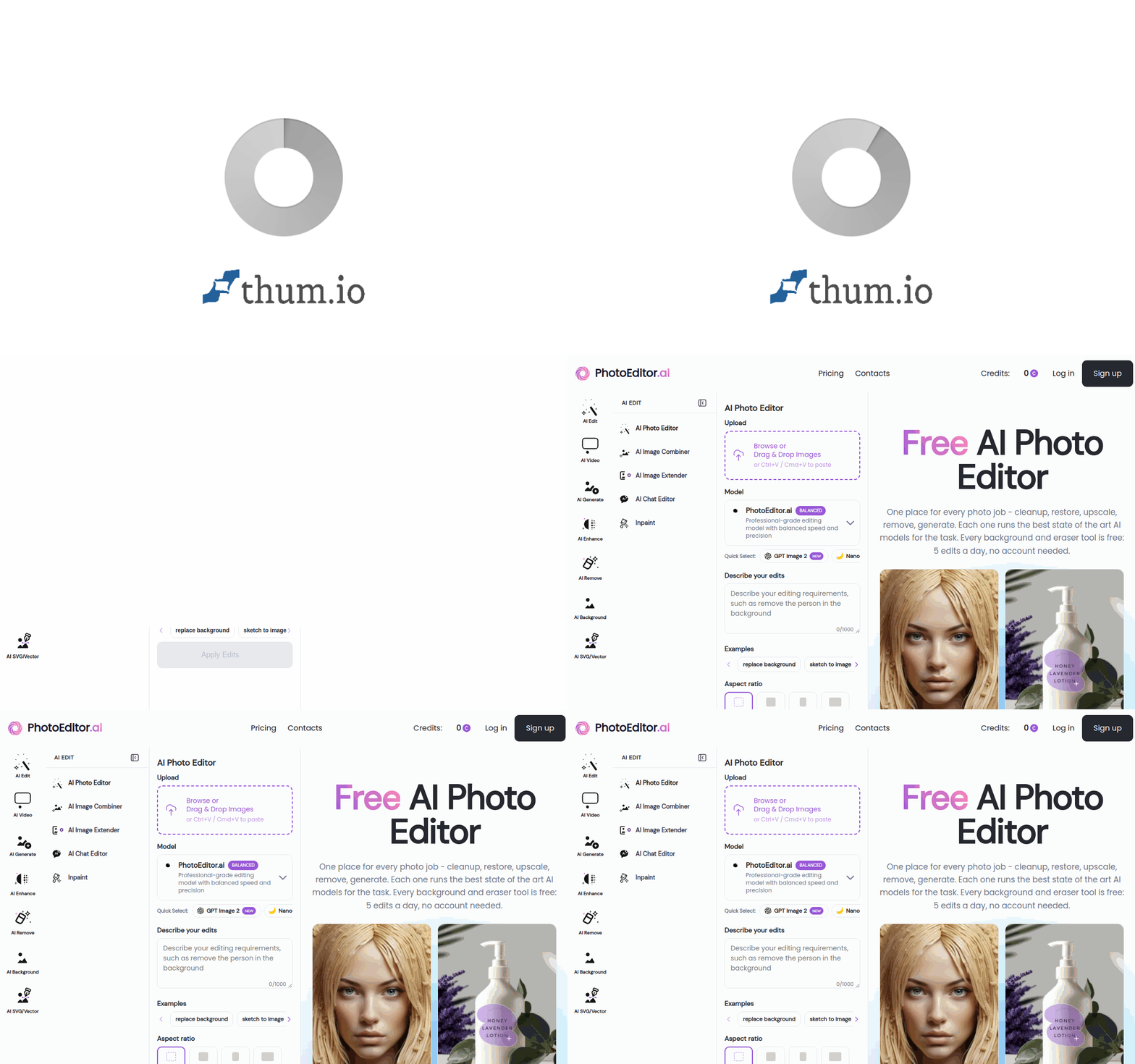
Photo editing often requires juggling multiple software programs: one for background removal, another for upscaling, a third for generating a visual. PhotoEditor.ai offers a different approach by bringing together over 30 image editing tools in a single interface accessible from your browser. Whether you want to clean up a photo, restore an old picture, upscale an image to 4K, remove a background, or generate a logo, everything is done in the same place. The tool is aimed at individuals as well as e-commerce sellers, photographers, and creative agencies. Its promise can be summed up in one sentence: a single place for every photo job. In this overview, we review what PhotoEditor.ai actually is, its features, its use cases, its advantages, and its pricing, to help you judge if it fits your needs. Free access without registration also allows you to get an idea before making any commitment.
Qu'est-ce que PhotoEditor.ai ?
L'essentiel
PhotoEditor.ai is an online photo editor powered by artificial intelligence. It brings together over 30 tools divided into six main categories: editing, generation, enhancement, removal, background management, watermark removal, and format conversion. The unique feature of the platform is that it relies on several well-known AI models, including FLUX, OpenAI’s GPT Image, Google’s Gemini, Nano Banana, Ideogram, Recraft, and Topaz Labs. Users can switch from one model to another depending on the desired result. Operating entirely in the browser on desktop, tablet, or mobile, the tool requires no installation. Imported files are deleted within an hour, addressing privacy concerns.
Fonctionnalités principales
The tool catalog is extensive. On the editing side, there is an AI conversational editor, an inpainting feature, an image combiner, and an image extender tool. The generation part includes an image generator, a portrait generator, a logo maker, and an SVG generator. For enhancement, PhotoEditor.ai offers a Photo Enhancer, a classic upscale, a creative upscale, and old photo restoration. Removal tools include AI cleanup, a magic eraser, and a text remover. Background management includes background removal, logo background removal, background changer, and background blur. Additionally, there is watermark removal and image-to-SVG conversion. Supported input formats are JPG, PNG, HEIC, AVIF, and WEBP, up to 15 MB, with exports in transparent PNG and standard, HD, or 4K quality. This diversity covers the vast majority of common editing and visual creation needs.
Cas d'usage
The use cases are varied. An e-commerce seller can quickly remove backgrounds from their products on a white background and generate clean visuals for their listings. A creative agency benefits from the complete palette to produce logos, portraits, and compositions without changing tools. A photographer can restore old damaged photos, upscale low-resolution images to 4K, or clean up unwanted elements. In real estate, background changing and blurring help showcase property photos. Finally, individuals can edit their personal photos, remove a watermark, or create a logo for a project. The ability to start for free without registration makes adoption easy for occasional needs.
Avantages
The main advantage of PhotoEditor.ai is its versatility: centralizing over 30 functions avoids subscribing to several separate services. The choice between multiple AI models provides real flexibility regarding the quality and style of the output. Access from the browser, without installation, makes the tool usable on any device. The free trial without registration lowers the barrier to entry, while the commercial use license, included from the Pro plan onwards, secures professional use. Deleting files within an hour meets privacy expectations. Finally, HD and 4K exports are suitable for professional-quality outputs.
Tarifs
PhotoEditor.ai offers a free plan giving access to three tools (Cleanup, Enhance, Background Remover) without registration, with resolution capped around 720px and no watermark. Three paid plans follow a monthly credit model: Starter at $9/month (150 credits, personal use), Pro at $15/month (600 credits, full access and commercial license), and Business at $35/month (1,700 credits, all premium models and dedicated support). A 40% discount is regularly applied, and annual subscriptions offer additional savings. The subscription can be canceled at any time.
Conclusion
PhotoEditor.ai convinces with its all-in-one approach: bringing together over 30 editing and image generation tools in a simple web interface, backed by recognized AI models. It is aimed at curious individuals as well as e-commerce, photography, or design professionals. The free plan without registration allows for risk-free testing, and the affordable rates with a commercial license make the tool relevant for regular use. Its main limitations remain the credit system and the lack of a native app. For a versatile and accessible AI photo editing solution, it is definitely worth considering.