

📘 Overview of ClickUp AI
👉 Summary
ClickUp is widely used as an all-in-one workspace for tasks, projects, documents, and collaboration. With ClickUp AI (often presented as ClickUp Brain), the promise becomes more operational: reduce time spent writing, summarizing, and turning conversations into action. In most teams, the hidden cost isn’t only task management—it’s the layer of meetings, comments, briefs, updates, and reporting around execution. As that information grows, coordination slows down and delivery suffers. AI embedded directly in the workspace matters because of context. Instead of copying content into a generic chatbot, the AI can leverage your docs, projects, statuses, and discussions. The goal is not “more text,” but more actionable outputs: usable meeting summaries, stakeholder updates, clear action lists, and structured briefs. ClickUp AI is especially relevant for teams that want to centralize operations in one system. The more projects, conversations, and handoffs you have, the more the AI can act as an accelerator for alignment and delivery.
💡 What is ClickUp AI?
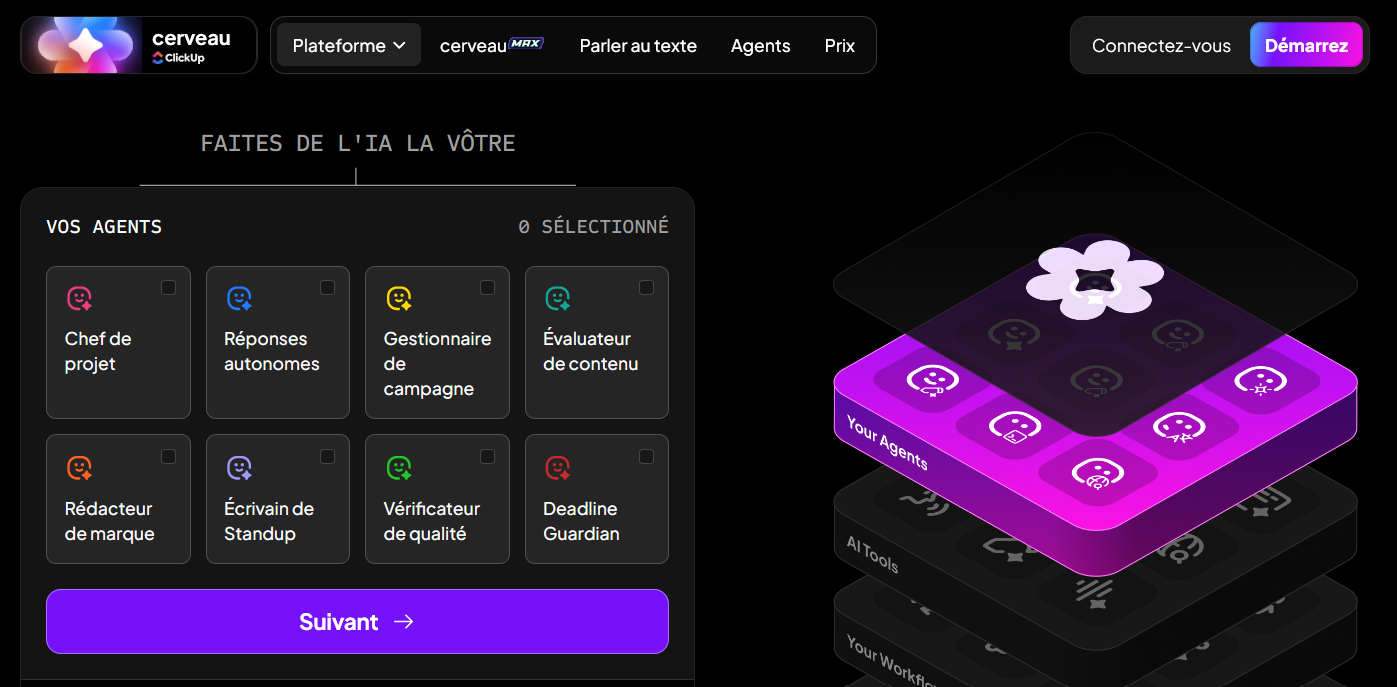
ClickUp AI (ClickUp Brain) is an AI layer built into ClickUp that helps generate and improve content, summarize information, and answer questions using your workspace context. It is designed to support real workflows: summarizing a doc or discussion, then turning it into tasks, checklists, and next steps. Rather than living outside of execution, it reinforces the operating system of the team: clearer tasks, faster updates, and easier retrieval of information from projects and documentation. The practical outcome is reduced coordination overhead and a shorter gap between “we discussed it” and “it’s assigned and tracked.”
🧩 Key features
ClickUp AI includes several productivity-focused capabilities. It helps draft and refine text for documents, task descriptions, messages, and briefs. It can summarize long documents, comments, updates, or notes to surface key decisions and next steps. A major advantage is action conversion: from meeting notes or discussions, the AI can propose tasks, owners, and structured follow-ups. This helps teams move from communication to execution without retyping. It also supports workspace search and Q&A, making it easier to find information across projects and documentation. The overall value depends on how well the workspace is organized: strong conventions, statuses, and up-to-date docs enable more consistent, reliable AI outputs.
🚀 Use cases
Ops and product teams often use ClickUp AI to summarize meetings, extract decisions, and create follow-up tasks. Managers use it to produce structured updates for stakeholders: progress, risks, blockers, and next steps. Marketing teams use it to turn campaign briefs into execution plans, draft docs, and generate structured checklists. Agencies can standardize client summaries and deliverable tracking while reducing repetitive writing. Freelancers benefit from converting notes into tasks, clarifying priorities, and generating alignment docs. The highest impact use case is consistently the one that ties writing and summarization directly to task creation and workflow execution inside ClickUp.
🤝 Benefits
The first benefit is time saved on the communication layer of work: summaries, updates, rewrites, meeting notes, and reporting. The second is reduced friction between planning and execution—action items become tasks faster. Third, alignment improves because structured summaries reduce misunderstandings. Fourth, execution quality increases as briefs and task definitions become clearer and more consistent. Finally, centralization: instead of juggling multiple apps for notes, docs, and tasks, teams can keep the workflow in one place, which simplifies adoption and accountability. To maximize results, teams should maintain a clean workspace with clear conventions and reference documentation.
💰 Pricing
ClickUp has subscription plans for the core workspace, and AI capabilities may be available via ClickUp Brain add-ons or bundled options depending on the offer. In many cases, AI pricing is per user and is added on top of the workspace plan. The right way to evaluate is ROI: time saved on summaries, reporting, brief writing, and task structuring. For high-activity teams with frequent meetings and many projects, AI can pay for itself quickly. For occasional use, teams should weigh the convenience of built-in AI against simpler, standalone tools.
📌 Conclusion
ClickUp AI (Brain) is compelling when you want AI connected to execution: summarize, clarify, and generate tasks and next steps in the same workspace. Its key strength is contextualization within your projects and docs, reducing copy-paste and improving alignment. You’ll get the best outcomes with disciplined documentation and clear workspace structure, and you should plan for AI as a possible add-on cost. For teams running ClickUp as their operating system, ClickUp AI is a powerful lever to speed up coordination and delivery.


