

📘 Overview of Descript
👉 Summary
Creating podcasts and videos at scale can be time-consuming: reviewing takes, cutting, cleaning audio, adding captions, exporting, and publishing. When you ship weekly, saving minutes per episode quickly becomes hours. Descript became popular by flipping the editing workflow: instead of living inside a timeline, you edit your media like a text document. Descript automatically transcribes your audio, then links every word to the underlying audio and video. Delete a sentence in the transcript, and the cut happens in your edit. This “text-based editing” approach is especially powerful for content teams, podcasters, and marketers. It reduces friction, makes structural edits easier, and speeds up repurposing long recordings into short clips. Descript also adds AI layers that tackle repetitive tasks: audio enhancement, filler word removal, caption creation, and voice generation for small fixes. In this overview, we explain what Descript is, key features, where it fits best, and what to consider when moving from simple edits to more advanced production needs.
💡 What is Descript?
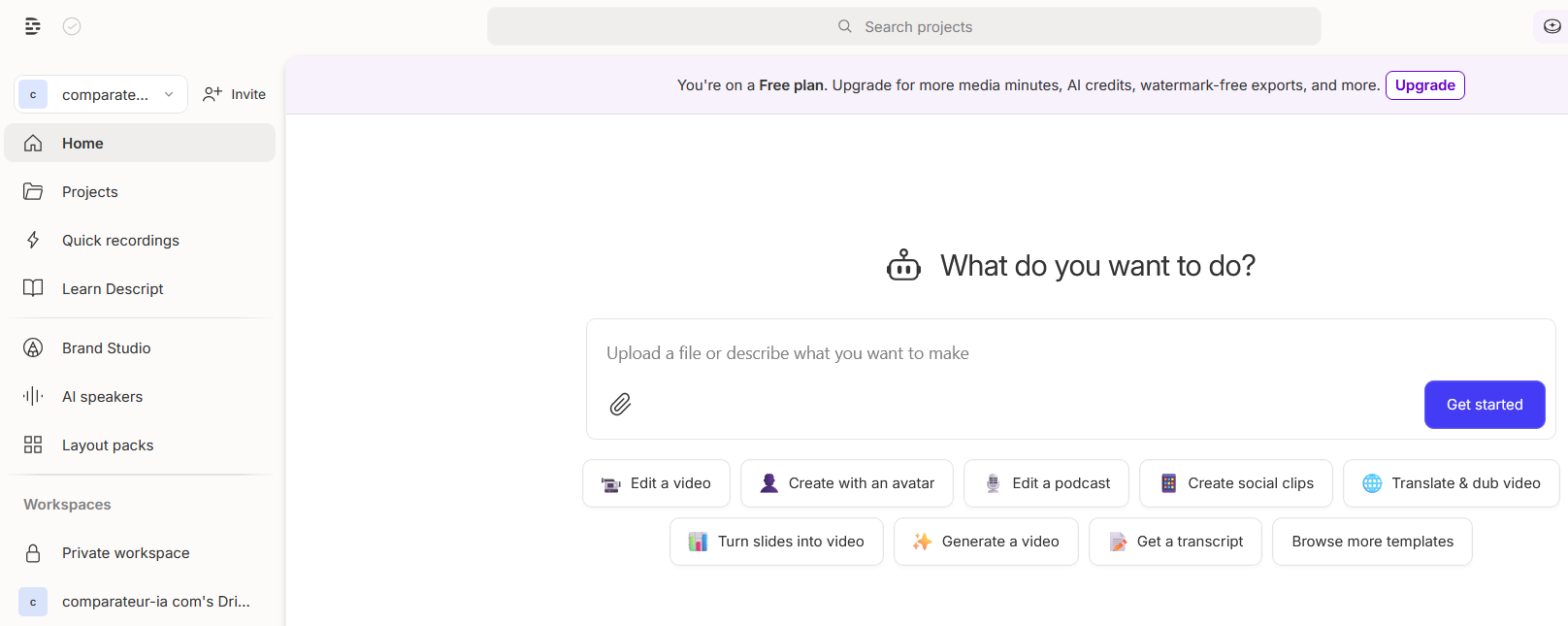
Descript is an AI-assisted audio and video editor built around transcript-first editing. It combines recording, importing, transcription, editing, captions, exporting, and publishing tools in a single workspace. Its core idea is simple: the transcript is your primary editing surface. That makes editing far more approachable for non-editors and significantly faster for common content workflows. Descript is designed for podcasts, interviews, webinars, tutorials, and social clips—formats where cutting and restructuring based on what was said matters more than complex visual effects. Descript also includes AI features that support content production, such as audio enhancement and voice generation for quick corrections.
🧩 Key features
Descript generates an accurate transcript that becomes the basis for your edit. You can cut, rearrange, and refine content directly in text, then export polished video or audio with captions. The export workflow is built for modern distribution, including short-form repurposing. On the audio side, Descript offers tools to improve voice quality and reduce background noise. Studio Sound is especially helpful for recordings that weren’t captured in a perfect environment. Descript also includes AI helpers for common editing tasks: removing filler words, drafting captions, and creating short clips from longer recordings. Overdub lets you fix a line without re-recording by generating audio that matches a voice profile—useful for corrections, but always worth reviewing for quality and rights. For teams, Descript centralizes multiple steps—editing, captions, audio cleanup, exporting—reducing tool switching and simplifying collaboration.
🚀 Use cases
Podcasts are a primary use case: import, transcribe, cut quickly, clean audio, then export. Long conversations become easier to shape because you can search and edit directly through text. For YouTube and marketing content, Descript works well for tutorials, interviews, webinars, and educational videos, then makes it easy to pull clips for social platforms. Captions and repurposing are built into the workflow. It’s also useful for teams producing repeatable content: product demos, internal training, thought leadership interviews, or customer stories. Being able to restructure and refine quickly is a major advantage. Agencies benefit from speed and standardization, delivering edits faster and producing higher volume without adding complexity to the toolchain.
🤝 Benefits
The biggest benefit is speed. Text-based editing dramatically reduces time spent cutting and restructuring. The transcript also doubles as a planning and writing surface, helping improve clarity and flow. A second benefit is perceived quality. With audio enhancement and captions, creators can ship more professional content even without ideal recording setups. Third, Descript supports multi-format distribution. Turning a long recording into multiple short clips increases reach and improves content ROI. Finally, Descript consolidates key steps in one tool, reducing context switching and helping teams collaborate more smoothly.
💰 Pricing
Descript offers a free plan to try text-based editing and run light projects. Paid tiers add more media hours, more AI credits, and advanced functionality tied to exports, AI tools, and collaboration. Paid plans typically start around $16/month on annual billing and around $24/month on monthly billing, depending on the tier. Higher plans are available for heavier usage and team workflows. Choosing the right plan depends on how many media hours you edit each month and how heavily you use AI features like voice tools and repurposing.
📌 Conclusion
Descript is an excellent fit for creators and content teams who want to edit podcasts and videos faster without complex timelines. Transcript-first editing, captions, Studio Sound, and Overdub cover most needs for interviews, tutorials, webinars, and short-form repurposing. It won’t replace high-end cinematic post-production tools for heavy grading and VFX, but it delivers major productivity gains when speed and consistency matter. If your workflow depends on frequent publishing and turning long content into clips, Descript is one of the most practical AI editors to add to your stack.


